
Each business's data is separate
Another customer's records can never appear in front of you, not even by accident.
Security
Every business's data is kept in its own space. Who sees which screen and who may approve an invoice is entirely up to you, and actions are recorded.
Another customer's records can never appear in front of you, not even by accident.
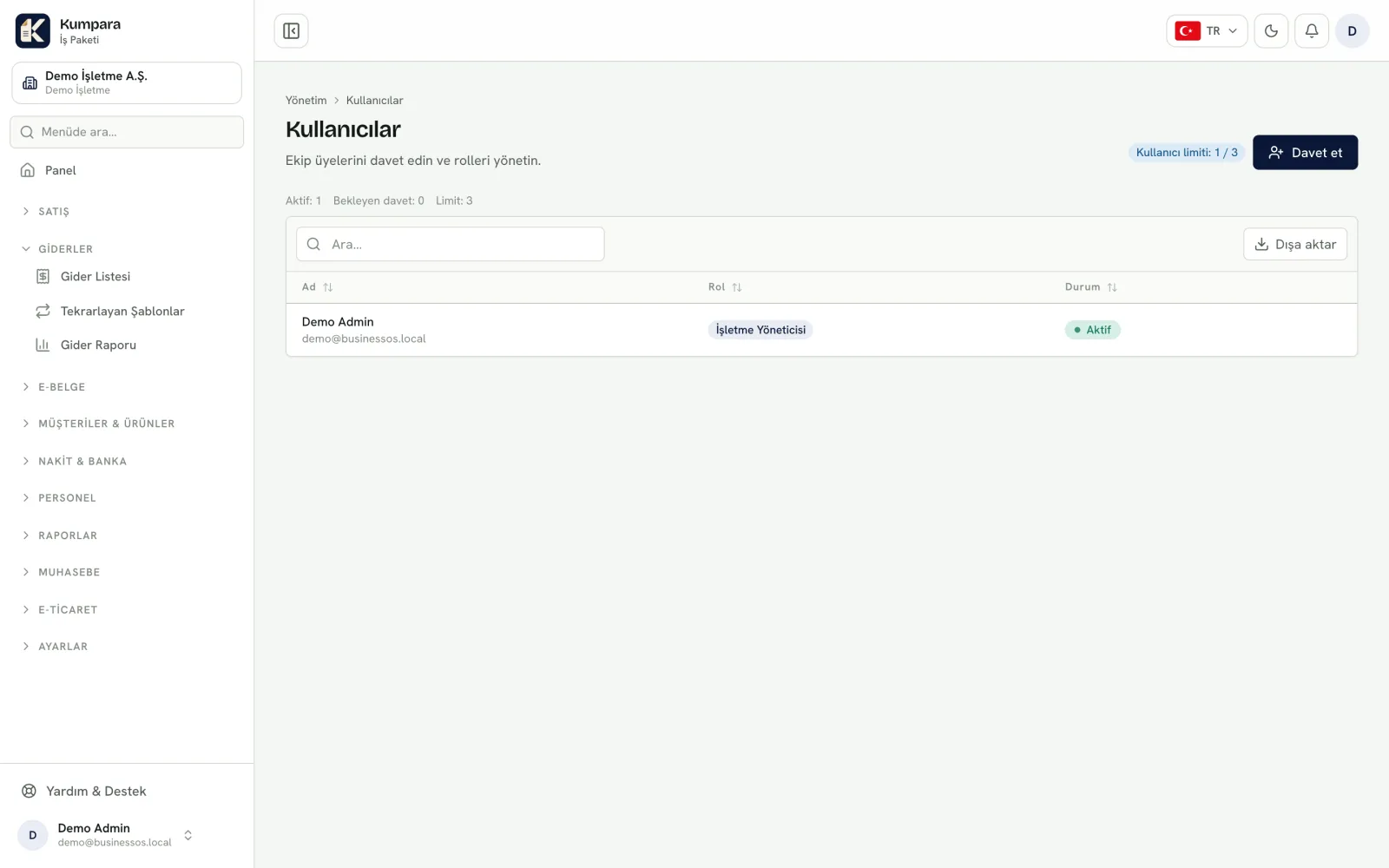
Sales can invoice, accounting sees the reports, your accountant only reads.
Who approved an invoice, and when, can always be asked afterwards.
Undoing a mistake leaves a trail, so your history cannot be quietly rewritten.
Separation lives in the database. What keeps one business's data away from another is not a filter in the interface but the database's own rule layer. Even a badly written query cannot return another business's row. We do not leave this to developer discipline: our tests deliberately try to fetch another business's records and expect nothing back.
Permissions follow roles, not screens. Someone in sales can issue invoices but cannot open the chart of accounts; your accountant reads the reports but cannot change a single record. You switch capabilities on and off per module, which also keeps the menu short.
Money entries are reversed, never deleted. The customer, cash and stock ledgers only accept additions. To correct a wrong receipt you do not delete it: a reversing entry is created and both stay visible. That is why "this figure was different last month" never becomes a discussion.
Approved documents are frozen. The amount, exchange rate and tax rate of an invoice you approve are written onto the document. Even if the rate list is updated later, the past document does not move.
Support access needs your permission. Support cannot enter your account on its own. You grant access, it expires, you can end it at any moment, and everything done under it is logged.
Backups are rehearsed, not assumed. Taking a backup is not enough — you need to know it restores. We run restore rehearsals regularly. Backup frequency and retention are written in your service terms.
Each business's data is kept in its own space, and this separation is enforced at the database level. Within your business, you decide with roles which user can access which company and what they can do; the same person can work with sales rights in one company and accounting rights in another.
A draft can be edited or deleted. An approved document is cancelled instead: its effects are reversed while the record stays traceable, so your history is never quietly rewritten.
Yes. Backup and restore procedures are in place and restore drills are run regularly. Frequency and retention are stated in your service terms.
Only if you allow it. For the support team to enter your account, your business administrator must turn on support access in the settings. The permission is time-limited (7 days by default) and you can turn it off at any time; doing so also ends any open support session immediately. The support team signs in with its own account, not your password, and every session is recorded with who accessed and when.
Yes. You can download reports and lists as Excel or CSV, and a period's data as a single file pack. What can be exported depends on the screen and the type of record. Your data belongs to you.
We answer plainly where your data is kept and who can reach it.