
Time-limited access
You set the end date and can close it at any moment.
For accountants
You grant your accountant time-limited, read-only access. They open the reports they need but cannot invoice, record payments or change anything. When the period ends, access closes by itself.
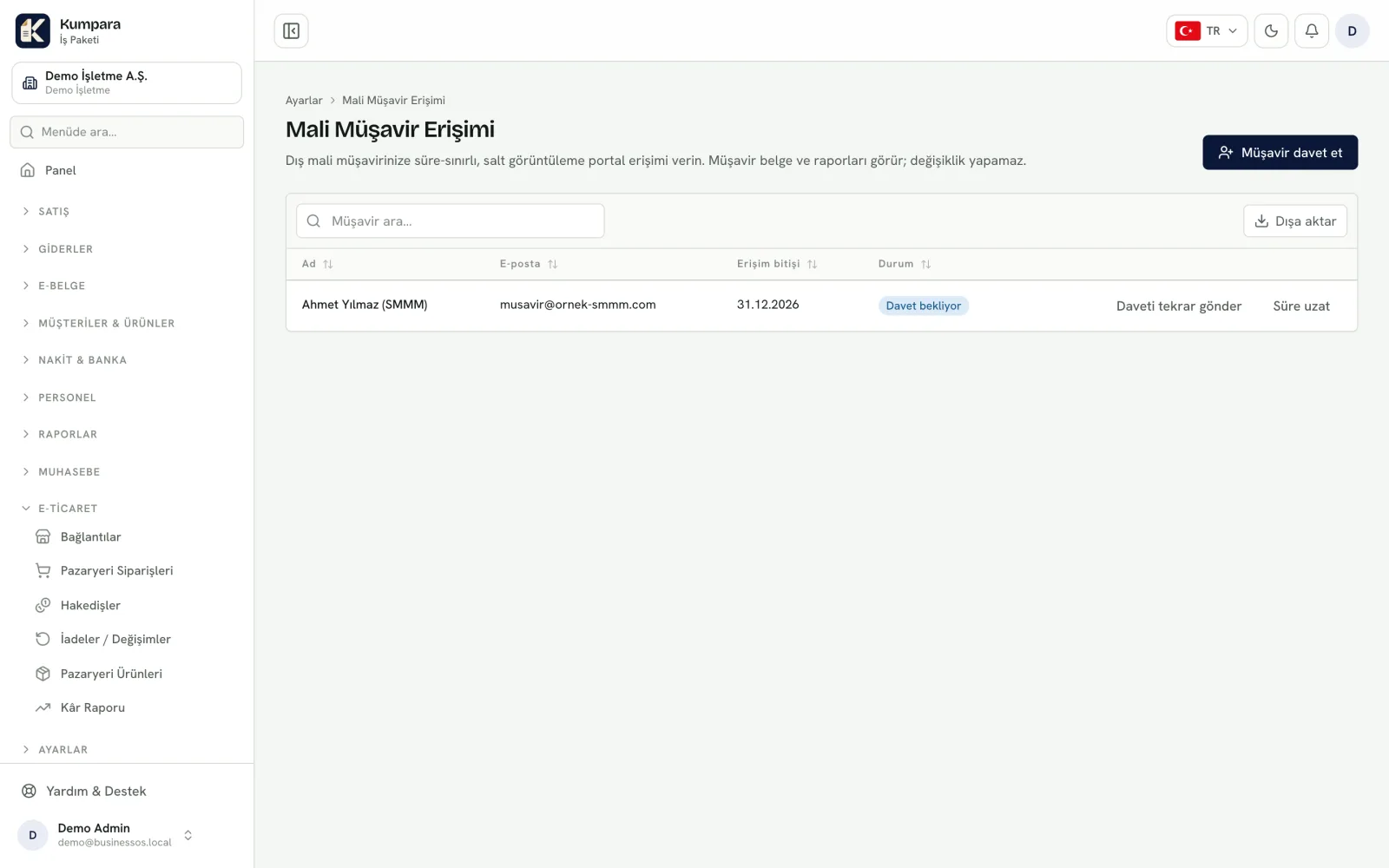
You set the end date and can close it at any moment.
They cannot change records, issue invoices or record payments.
They can download the period's invoices, payments and account summary in one file.
Instead of gathering files and emailing them, your accountant fetches what they need.
An email address and an end date are enough: the invitation goes out and your accountant sets their own password.
Journal entries, trial balance, VAT and withholding summaries, customer statements — without having to ask.
If an expense has no document or an invoice is still open, you hear about it before the month closes.
On the end date access simply stops. Extending it or ending it early is one action.
Read-only really is read-only. Your accountant cannot issue an invoice, record a payment, change a price, add a user or delete anything. Reading and downloading is all they can do.
The difference that helps both sides is this: instead of messaging you at month end asking for one more file, they reach the document themselves — and you stop assembling the same folders every month.
If you run several companies you grant access per company, and they see only the one they were given. The same accountant can serve several of their own clients from a single login.
Access is logged: which report was downloaded, and on which day, is there if you ever need it.
Invite your accountant to the demo and see together how much easier month end becomes.