e-Documents
Send e-invoice and e-archive documents through Kumpara.
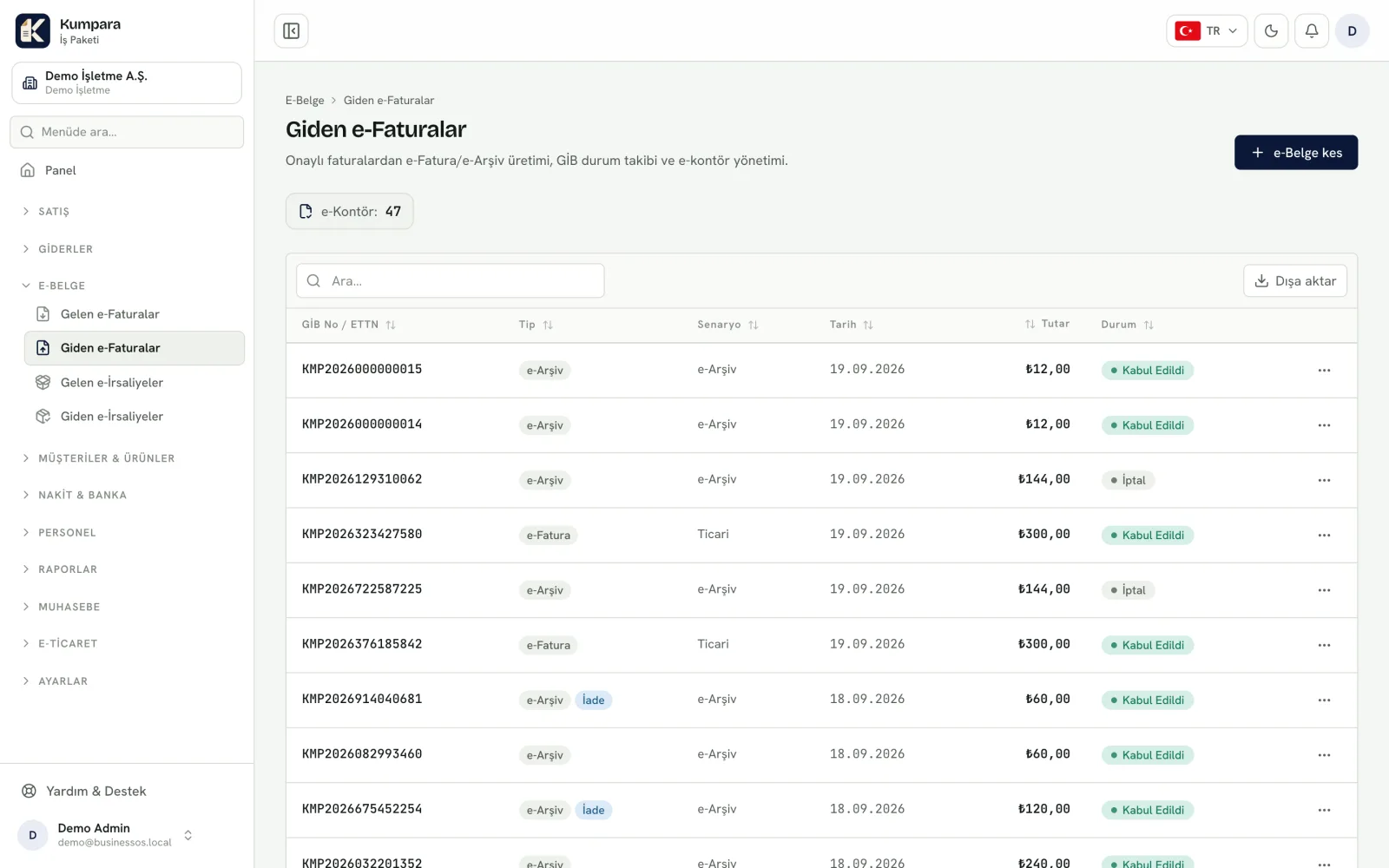
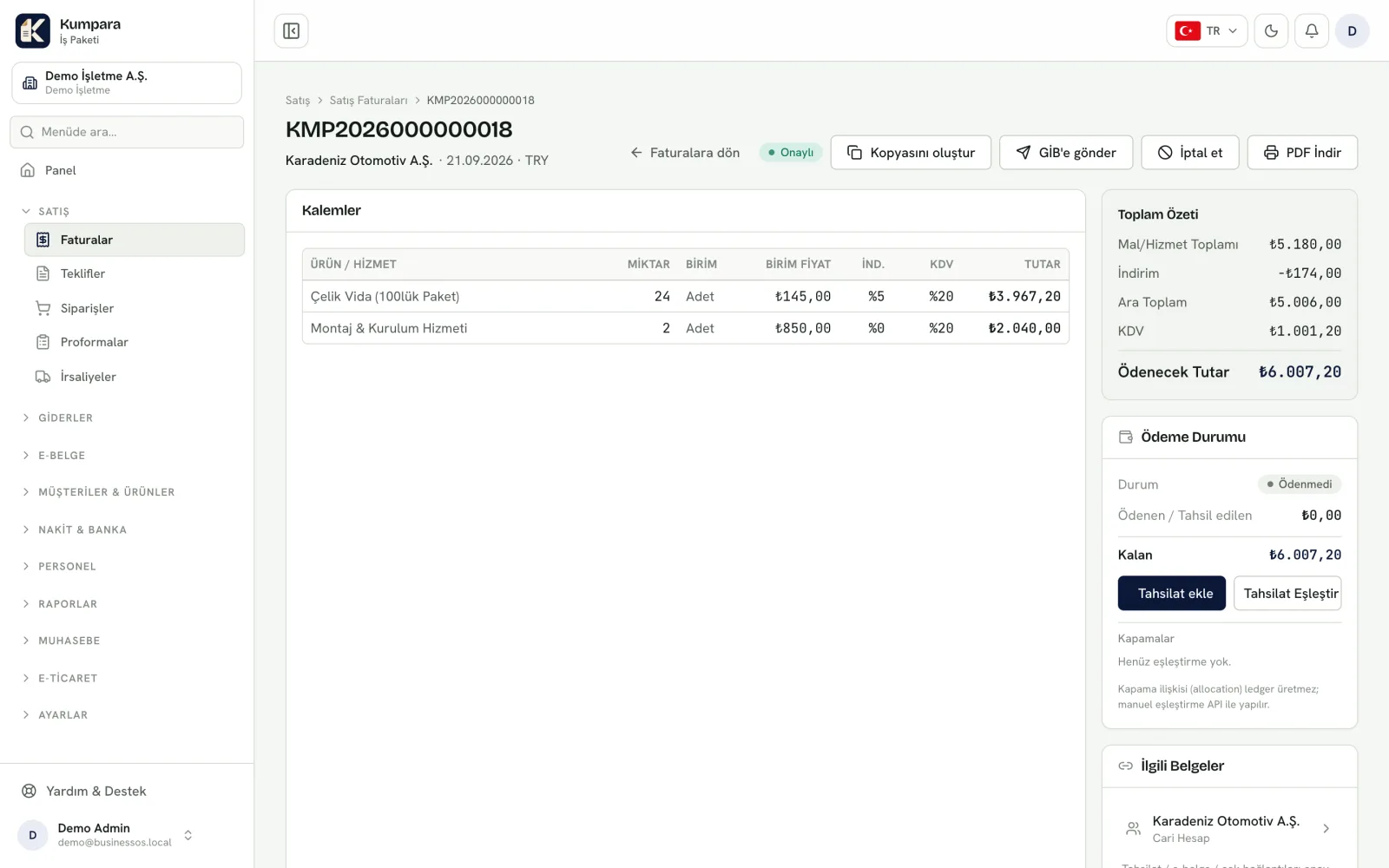
You do not need to switch to another program to send an invoice as an e-invoice or e-archive document. Sending goes through Kumpara and the status is tracked on the same screen.
A copy of every document sent is kept and can never be altered, so a year later you can still see exactly what you sent.
From the screens
From the real app, with sample data.