Settings & Users
Who can see what and which parts are switched on — all under your control.
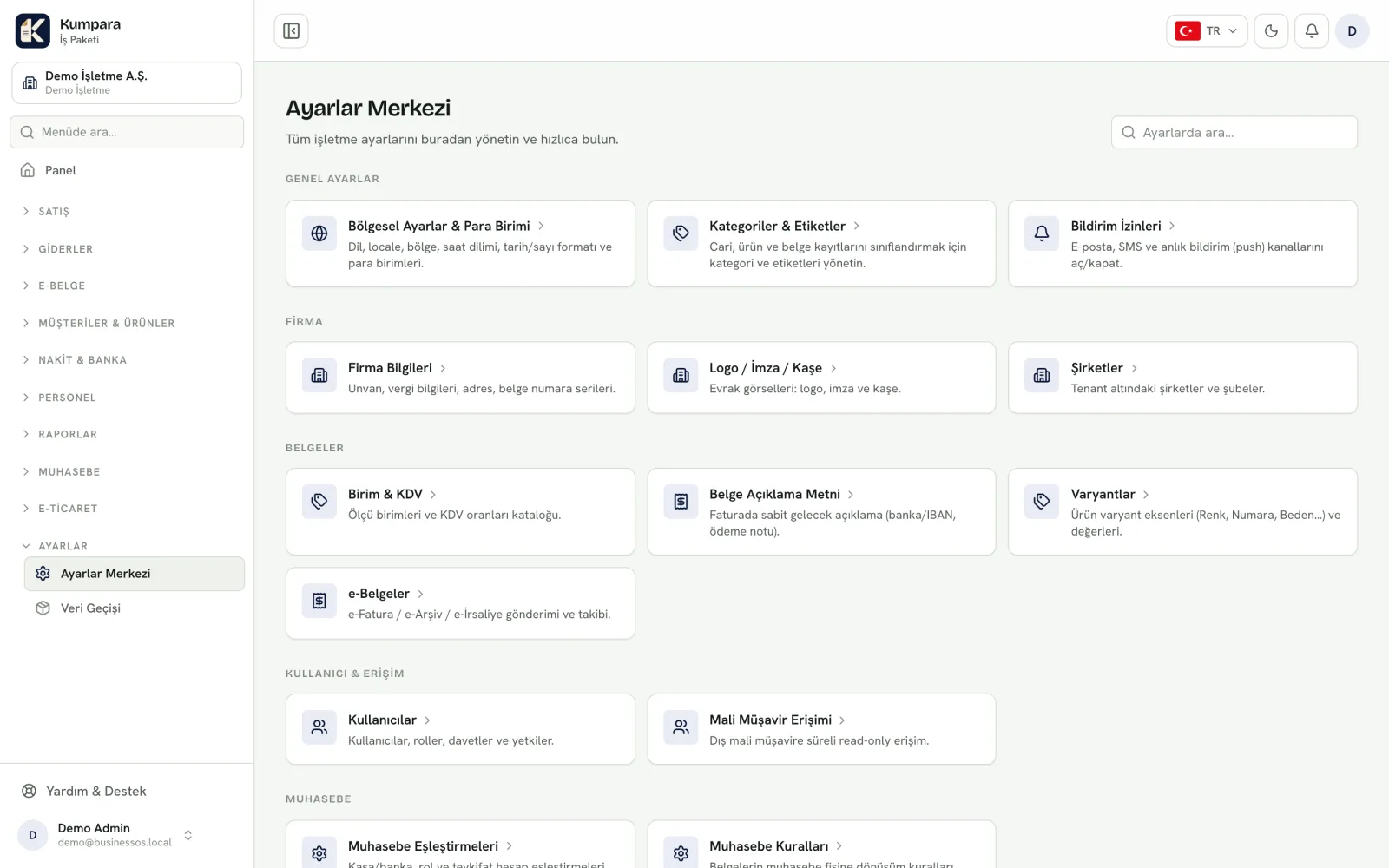
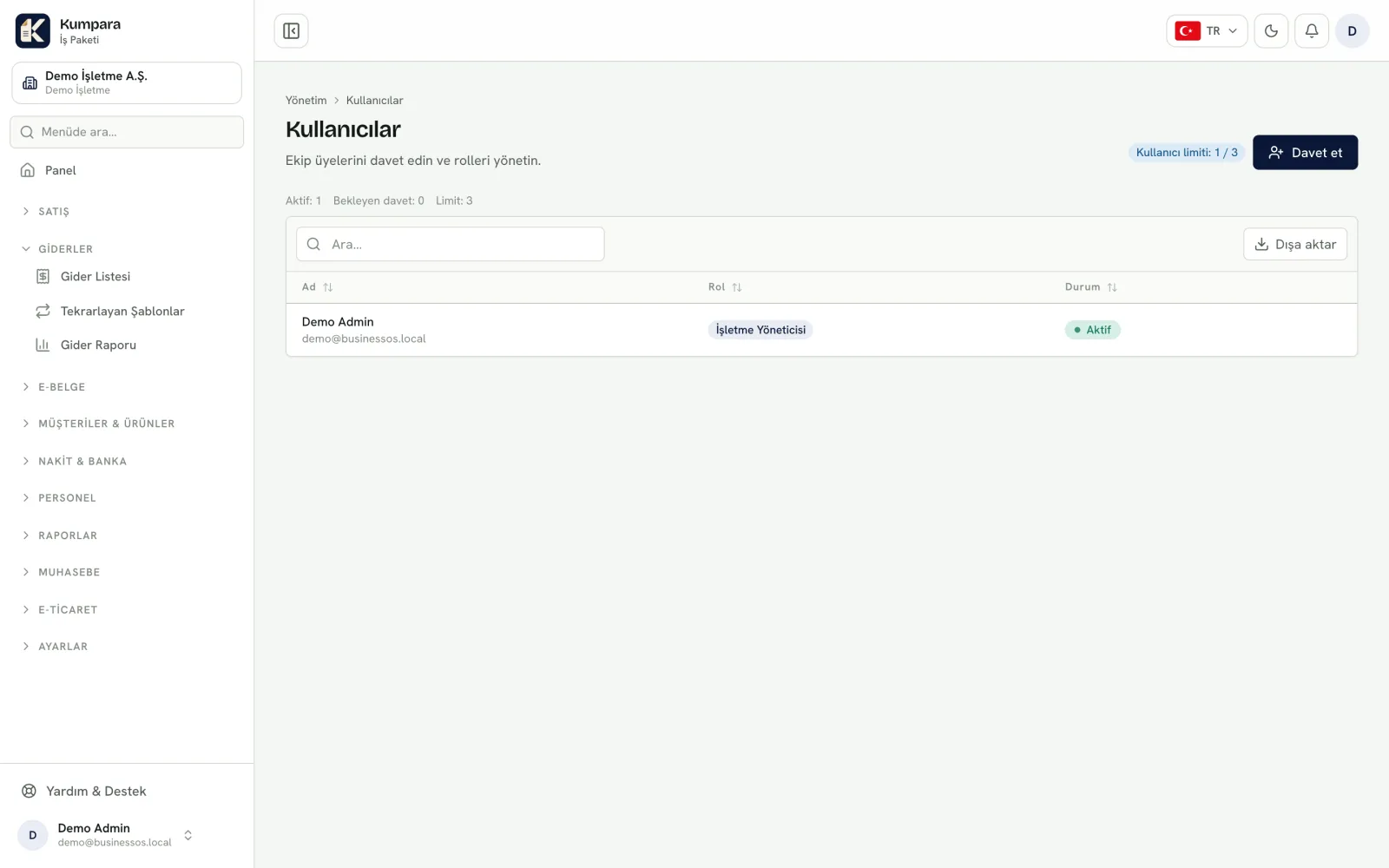
Company details, logo, document numbering, currency and regional settings are managed here. Add users and give each one the rights that match their role.
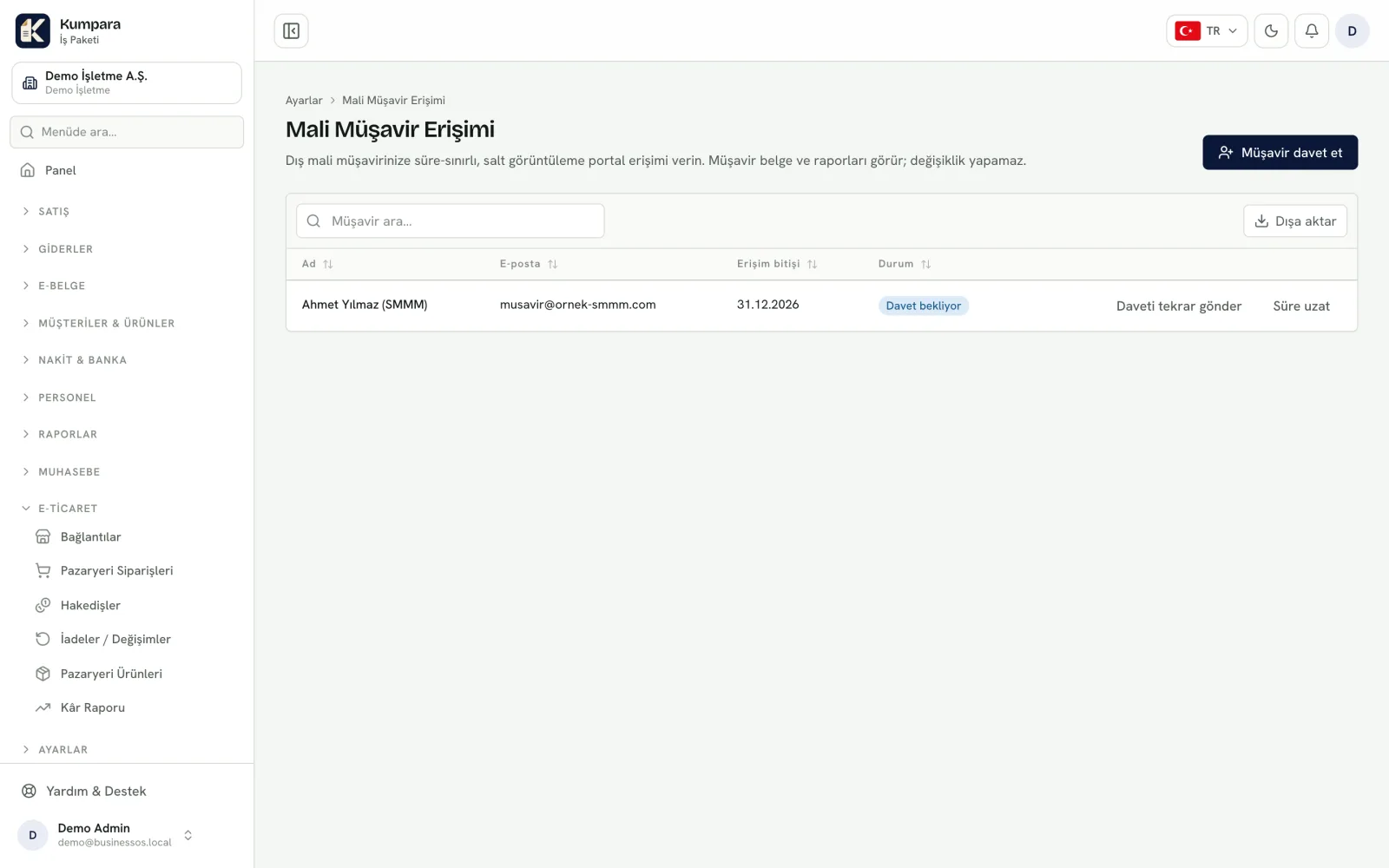
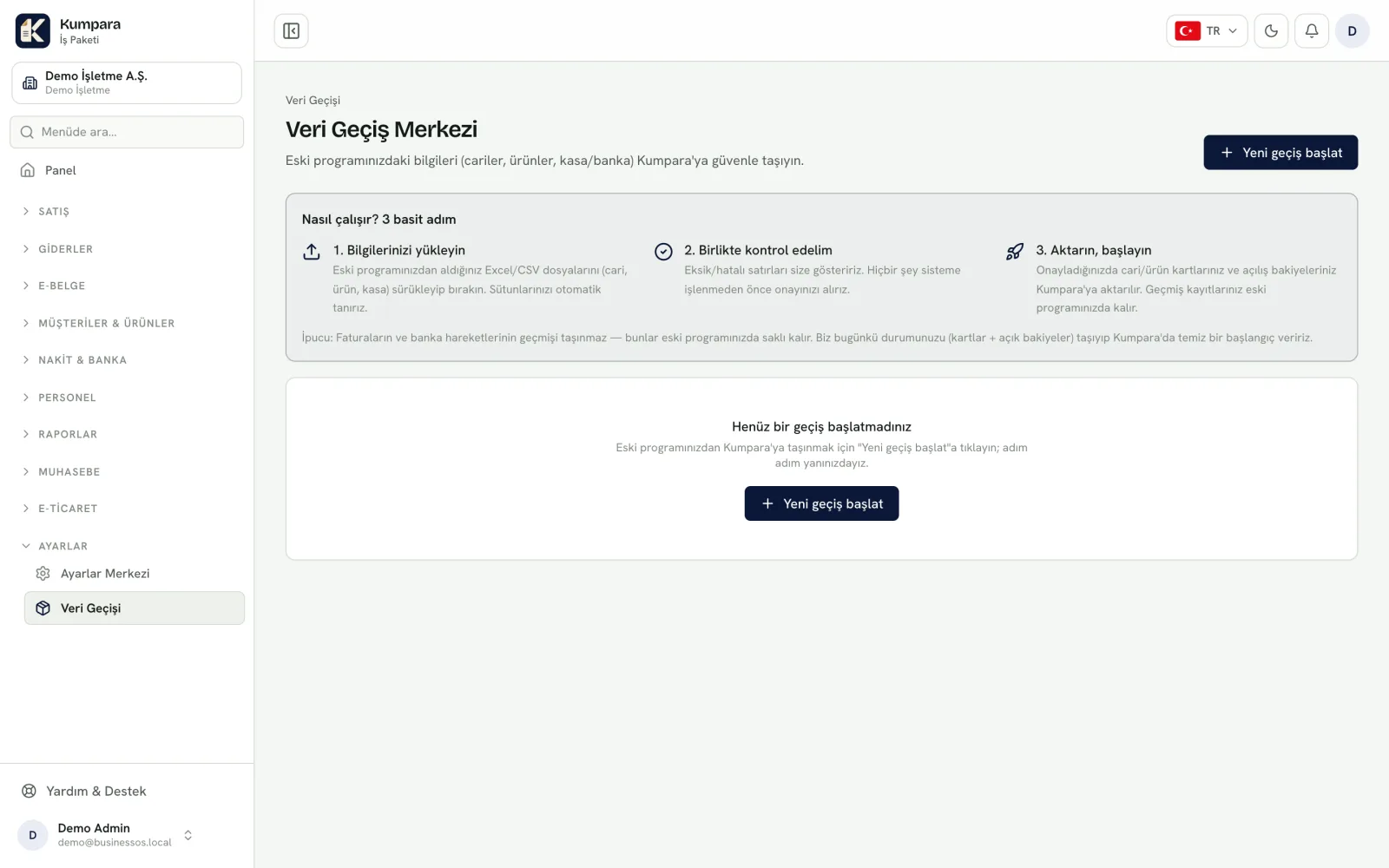
Your accountant can be granted time-limited, read-only access that expires by itself. Parts of the product you do not use can be switched off to keep the menu simple.
From the screens
From the real app, with sample data.